Bruno
This article shows how to access the REST API of ADOxx-based products using Bruno (https://www.usebruno.com/).
Simple request - list repositories
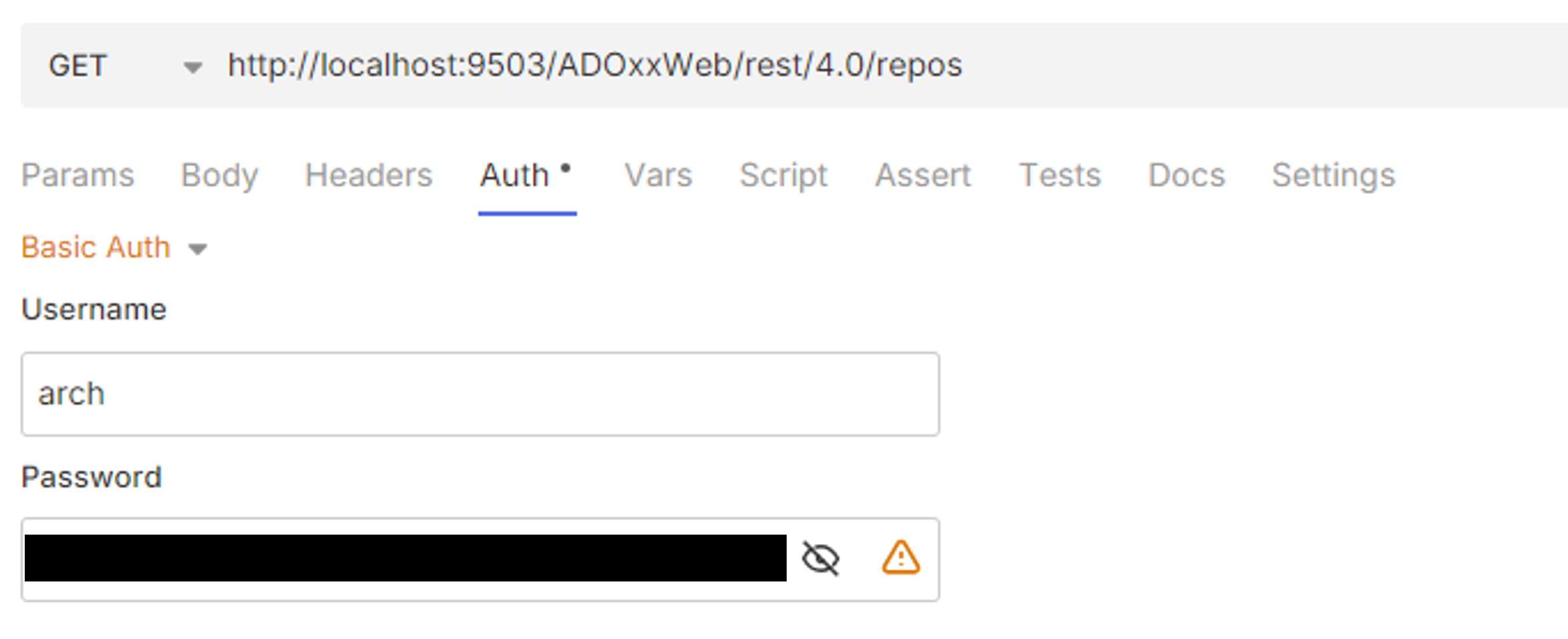
A simple request to list the available repositories just requires the GET method, the URL of the REST endpoint and the desired authentication mechanism. No additional parameters, headers or body are needed. In the examples listed below we will use basic authentication.
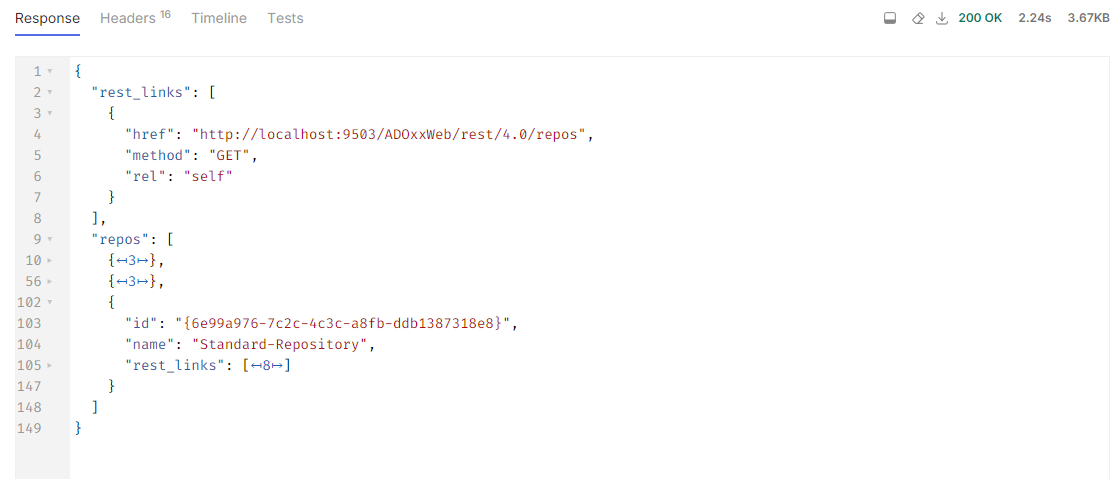
This will result in Bruno showing us the result with the returned status code, response body and response headers. By default the response body will contain JSON data.
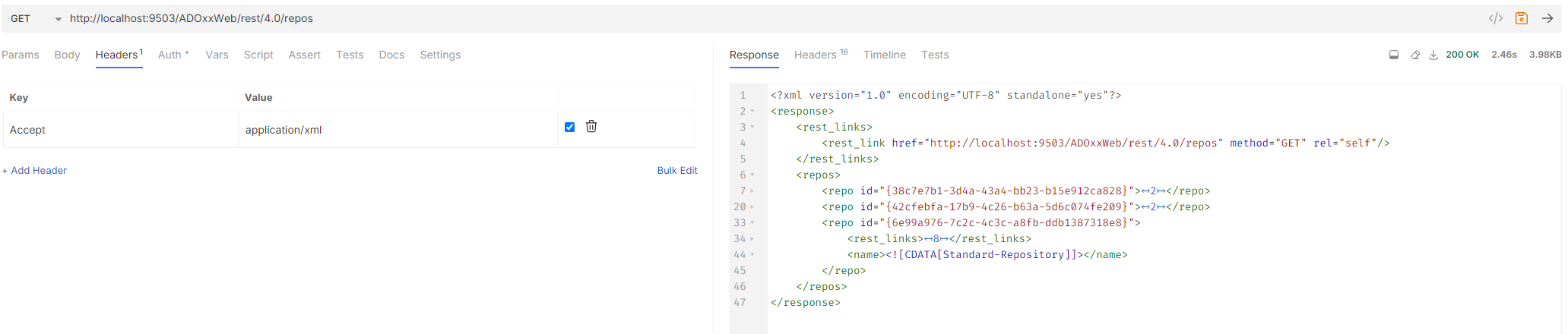
Alternatively we can change the Accept header and specify that we want to retrieve the response body as XML (application/xml).
Search requests
A search request is a GET request to a repository's search endpoint where the query parameter contains the encoded JSON query.
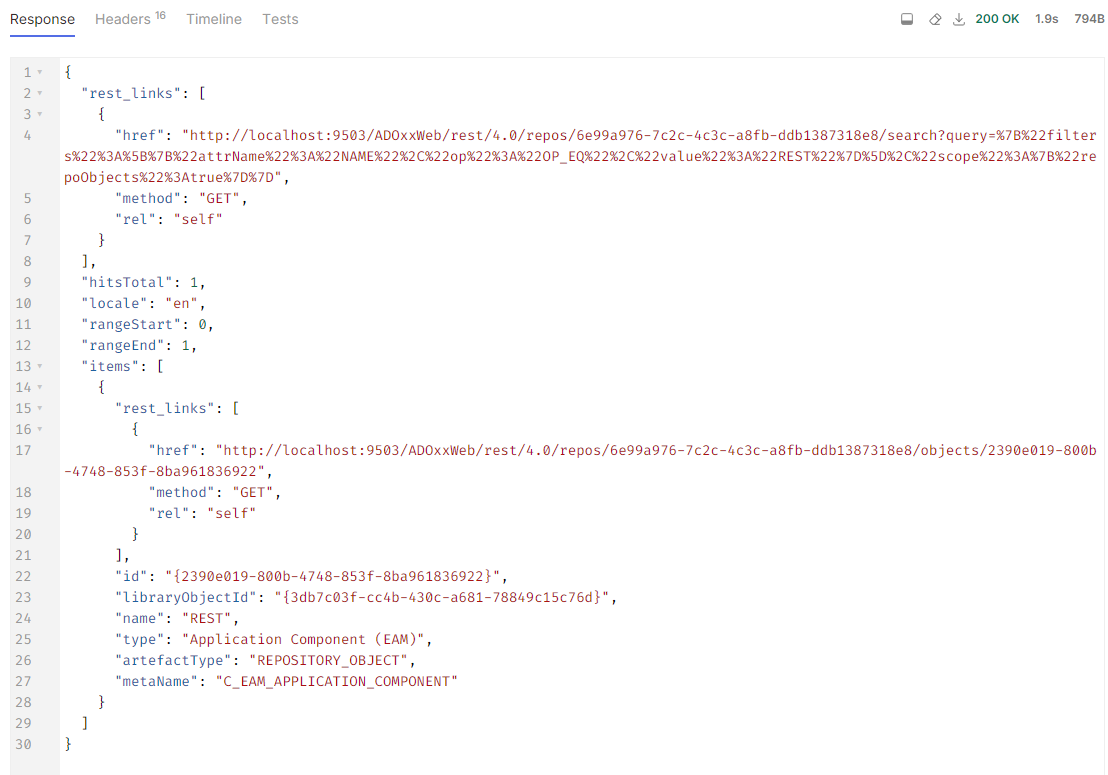
The following query JSON will look for all repository objects whose name is exactly "REST":
{
  "filters":
  [
    {"attrName":"NAME", "op": "OP_EQ", "value":"REST"}
  ],
  "scope":
  {
    "repoObjects":true
  }
}
Depending on whether the setting "URL Encoding" is enabled or not (in the tab "Settings"), the query has to be encoded (e.g. by passing its string value to the JavaScript function encodeURIComponent or https://www.onlinewebtoolkit.com/url-encode-decode).
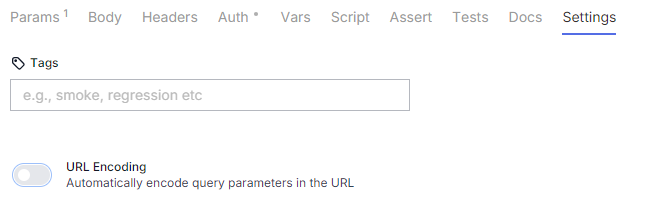
This results in the string
%7B%22filters%22%3A%5B%7B%22attrName%22%3A%22NAME%22%2C%22op%22%3A%22OP_EQ%22%2C%22value%22%3A%22REST%22%7D%5D%2C%22scope%22%3A%7B%22repoObjects%22%3Atrue%7D%7D.
This encoded string can now be set as the query parameter of a search request. If URL Encoding is disabled, the query can be pasted directly as value of the parameter.
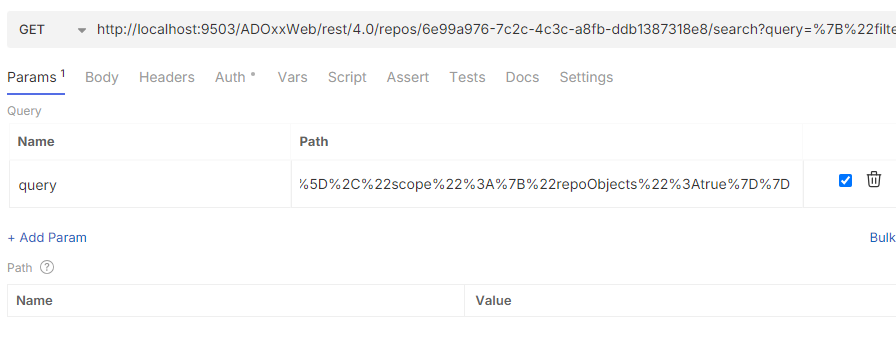
This will then return the desired objects.